Gift codes: where to find them and how to use them

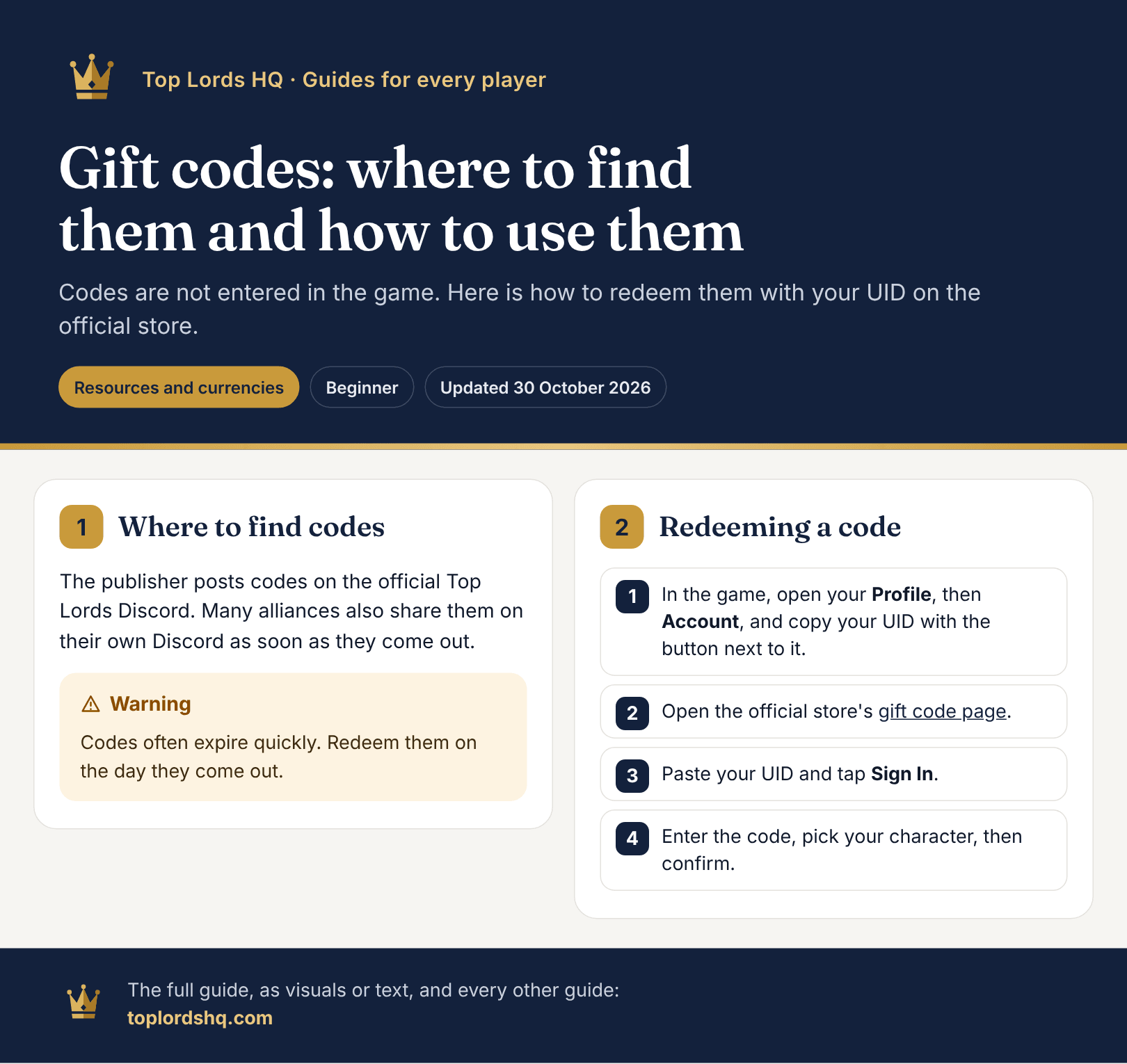
Codes are not entered in the game. Here is how to redeem them with your UID on the official store.

Translation awaiting review.

Resources and currenciesBeginnerUpdated 30 October 2026

Where to find codes

The publisher posts codes on the official Top Lords Discord. Many alliances also share them on their own Discord as soon as they come out.

Redeeming a code

  1. In the game, open your Profile, then Account, and copy your UID with the button next to it.
  2. Open the official store's gift code page.
  3. Paste your UID and tap Sign In.
  4. Enter the code, pick your character, then confirm.

Watch the video

English videos from the channel of Falcon OP.

Saved on this device, no account needed.

Report a mistake in this guide

A wrong number, outdated info, an odd translation? Tell us: the message goes straight to the site team.

Gift codes: where to find them and how to use them

“/” to open · Enter to go · Esc to closeBrowse all guides